Why Panel Self Refresh Matters Now
Introspect Technology recently walked through the power-saving promise of Panel Self Refresh (PSR) inside their SV5C-eDP application note. Embedded DisplayPort 1.5 panels rely on PSR to keep a static frame alive without hammering the GPU or SoC with redundant traffic. With every OEM chasing lower idle power, verifying PSR handshakes has become just as essential as link training or color depth tests.
Primeasure helps Indian notebook and tablet teams recreate the same workflows Introspect outlined, so we captured the distilled takeaways below.
PSR1 vs. PSR2 in Plain Terms
- PSR1: The panel buffers a single frame. When the host signals that content is static, the sink loops that stored image locally and the eDP link idles. Any frame update breaks the loop and resumes the stream.
- PSR2: Adds selective refresh. Instead of blasting full frames, the source can ship only the changed regions while the panel handles the rest, driving even lower power for UI workflows.
- State awareness: SV5C captures the transitions between “Active,” “Request,” “Armed,” and “In Self Refresh,” exposing the AUX transactions that often get overlooked until compliance day.
Being able to see which state you are in—and how long you dwell there—is the fastest way to debug PSR timeouts or choppy wake-ups.
Testing Workflow with the SV5C-eDP Generator/Analyzer
- Drive realistic frames. Use the generator to stream representative UI scenes, then issue the PSR entry command over AUX exactly as the host firmware would.
- Monitor AUX traffic. The analyzer side captures the DPCD register writes acknowledging PSR requests, confirming that the sink accepted the command and latched the frame.
- Validate recovery. Trigger deliberate changes (scroll, cursor move) and ensure the panel exits PSR within the budget spelled out in eDP 1.5. SV5C plots the time between wake request and link-active state.
- Stress selective refresh. For PSR2, script partial updates to guarantee that only dirty rectangles travel over the link and that no unexpected full-frame updates creep back in.
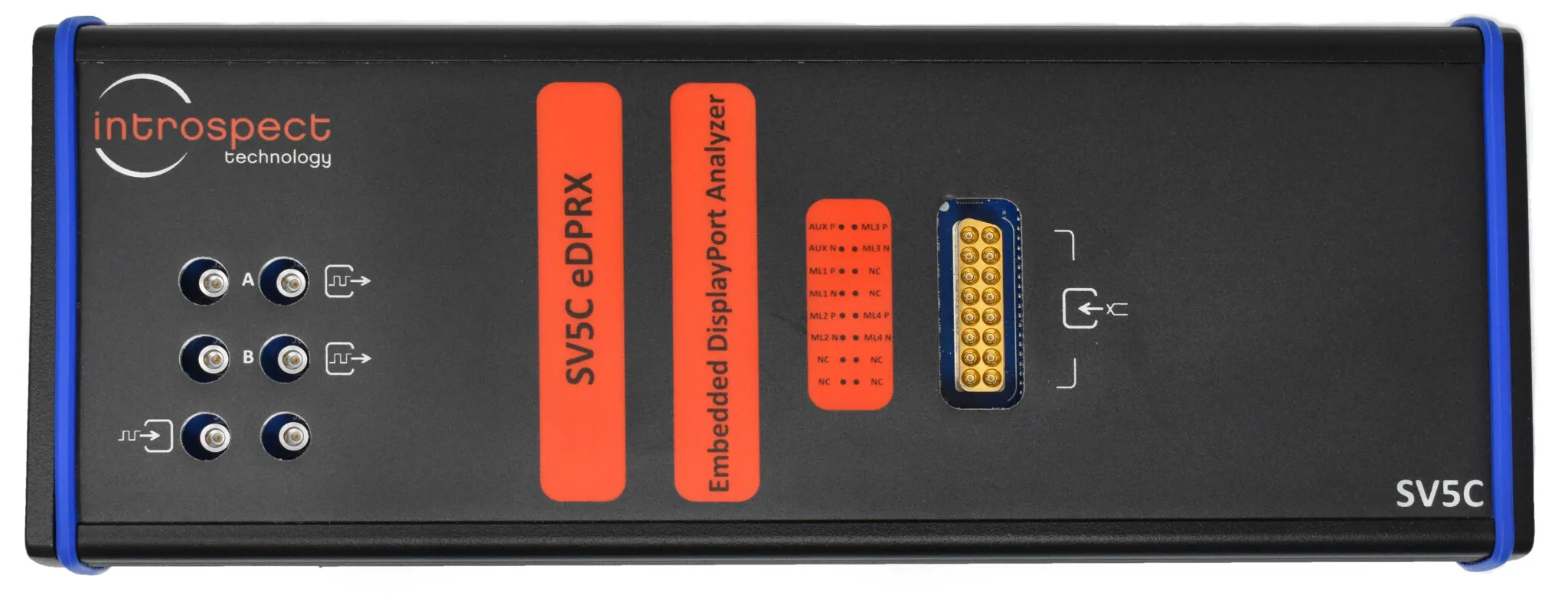
Introspect emphasizes that the SV5C-eDP generator/analyzer combo is currently the only commercially available solution that can both stimulate and observe these PSR behaviors at compliance depth.
Primeasure Lab Notes
- Correlate with power rails: Log panel and SoC current draw while SV5C reports PSR states to prove that firmware tweaks actually save watts.
- Automate AUX scripts: Keep canned PSR entry/exit routines checked into version control so validation and manufacturing run the same procedure.
- Capture failing frames: When a sink refuses PSR, SV5C can replay the last good frame—grab that evidence for firmware teams.
Checklist Before You Sign Off
- Entry timing: Measure the delay between host request and panel acknowledgment across temperature corners.
- Exit timing: Confirm PSR exit meets worst-case requirements when the display is busy with DSC, HDR, or panel self tests.
- DPCD coverage: Read/verify every PSR-related register (0x070-0x07F) to ensure firmware populates capabilities correctly.
- Link stability: Keep an eye on link training status while looping PSR; marginal channels often retrain unexpectedly after repeated entries.
- Error logging: Capture AUX retries or NACKs so they can be correlated with field returns later.
Source Inspiration
This summary is based on Introspect Technology’s article, “Testing Panel Self Refresh with the SV5C-eDP Series.” Read their post for the full diagrams and product screenshots.
Need Help Exercising PSR in Your Lab?
Primeasure deploys Introspect SV5C platforms across India, pairing them with remote sensing, thermal chambers, and automated AUX scripting.
Explore Primeasure's Test & Measurement solutions available across India.
Talk to Our Display Team